Losing a loved one is hard, and dealing with legal paperwork can make it even more stressful. To make things easier for citizens, the Government of Pakistan and NADRA have introduced digital plateform. You can now apply for a NADRA Death Certificate (Cancellation of CNIC due to death) right from your smartphone using the Pak ID App.
In this article, we will explain the process in simple steps so you can complete the application without visiting a NADRA office.
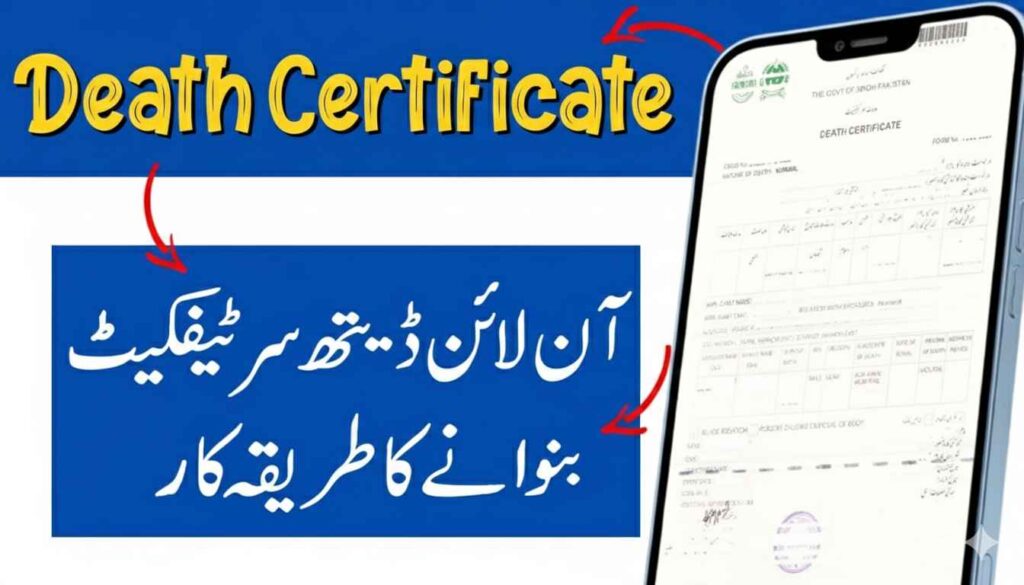
Why Do You Need a NADRA Death Certificate?
Before we get to the “how,” it is important to understand “why.” A NADRA-issued death certificate or the cancellation of the deceased person’s CNIC is required for:
- Settling inheritance and property matters.
- Closing bank accounts or claiming life insurance.
- Applying for family pensions.
- Updating family records in the NADRA database.
Read More: https://dlimsportal.com/apply-nadra-b-form-online-application-tracking/
Documents Required for NADRA Death Certificate?
To ensure a smooth application process, keep the following items ready:
- The Pak ID App: Downloaded on your smartphone (available on Play Store and App Store).
- Account Access: An active Pak ID account (you can register one using your email and phone number).
- Required Documents: * A copy of the deceased person’s CNIC.
- Hospital Death Certificate or a letter from the Union Council/Graveyard.
- CNIC of the applicant (the person applying).
- Biometrics: Your smartphone should have a working camera for fingerprint and facial recognition.
How to Apply Online for NADRA Death Certificate?
Follow these simple steps to submit your application:
Step 1: Login and Start Application
Open the Pak ID App and log in with your credentials. On the home screen, select the option for “Apply for CNIC/Identity Document” and then choose the sub-category for “Death Certificate/Cancellation”.
Step 2: Provide Deceased Person’s Details
Enter the CNIC number of the deceased person. The system will fetch the basic records. You will then be asked to provide details such as the date of death and the cause of death as mentioned in the medical reports.
Step 3: Upload Supporting Documents
You will need to take clear photos of the required documents (like the hospital death report). Make sure the text in the photos is readable to avoid rejection.
Step 4: Biometric Verification
This is the most important part. The app will guide you on how to scan your fingerprints using your phone’s camera.
- Place your hand behind the camera as instructed.
- Keep your hand steady until the app captures the prints.
- You will also need to take a fresh “live” photo of yourself for verification.
Step 5: Fee Payment
The app will show you the processing fee. You can pay this online using your Debit/Credit card or via mobile wallets like EasyPaisa/JazzCash.
Step 6: Review and Submit
Double-check all the information you have entered. Once satisfied, click on Submit. You will receive a tracking ID to monitor the status of your application.
Important Tips for a Successful Application
- Good Lighting: When taking photos of documents or fingerprints, ensure you are in a well-lit room.
- Accuracy: Ensure the date of death matches the hospital records exactly.
- Connectivity: Use a stable internet connection so the biometric data uploads correctly.
Where to Collect the Death Certificate After Applying?
A common question is: “Where do I get the actual certificate after the app process is complete?” It is important to understand that the Pak ID App is used to update the NADRA database and cancel the deceased person’s CNIC.
To get the final Computerized Death Certificate, follow these steps:
1. Download the Cancellation Letter Once your application is approved via the Pak ID App, NADRA will issue a CNIC Cancellation Letter. You can download this document directly from the app or receive it via email. This is the proof that the person’s identity has been officially closed in the national database.
2. Visit Your Local Union Council The official, green-colored Computerized Death Certificate is issued by the Local Union Council (UC), Municipal Committee, or Cantonment Board office of the area where the person lived or died.
- Take a printout of the NADRA Cancellation Letter.
- Take the original hospital death report and your own CNIC.
- The Union Council office will verify the data on their NADRA-linked system and print your official certificate immediately.
3. Home Delivery (If Applicable) If you opted for “Home Delivery” within the app for the cancellation notification, NADRA will mail the confirmation document to your registered address. However, for property, bank, or legal matters, you will still need to visit the Union Council to get the final printed certificate.
The Pak ID app has revolutionized how Pakistanis interact with NADRA. By following the steps above, you can save time and avoid long queues at centers. This digital shift ensures that even during grieving times, legal responsibilities can be handled with ease and dignity.