The Computerized National Identity Con, NADRA has made it possible to avoid long queues and ensure your identity remains secure and verifiable.
Read More: https://dlimsportal.com/how-to-renew-id-card-through-pak-id-mobile-app/
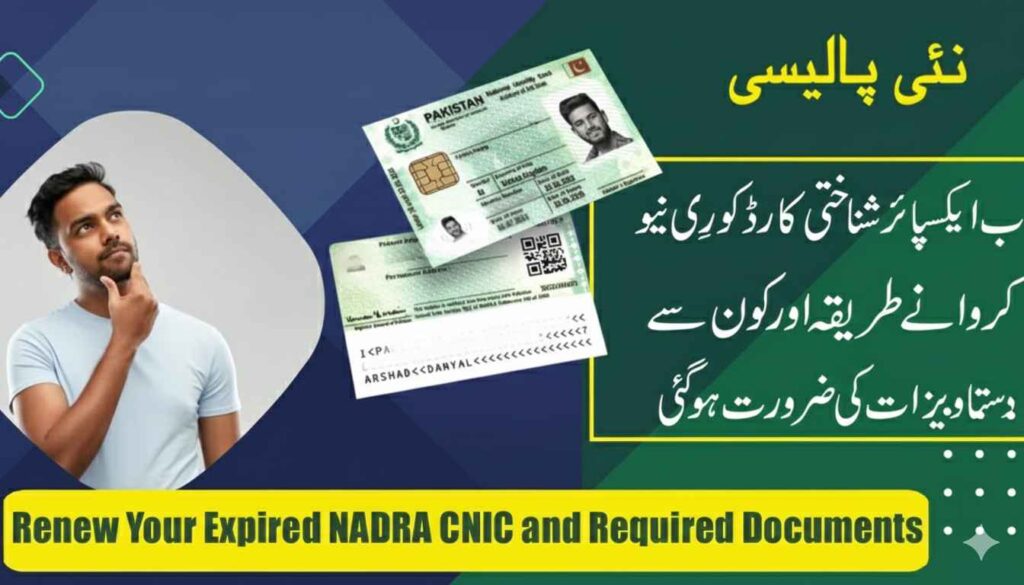
Who Needs to Renew or Update Their CNIC?
Understanding when you need to visit NADRA is the first step. You must apply for a renewal or update if:
Having the correct paperwork ready is the key to a fast process. Depending on your category, prepare the following:
- For Renewal: Original expired, damaged, or old CNIC.
- For First-Time Adults: Original Birth Certificate or Form B.
- For Minors: Form B is must for those shifting to an adult card.
- For Address Change: Recent utility bills (Electricity, Gas, Water) or a registered Rental Agreement.
- For Name/Status Change: Marriage Certificate (Nikkah Nama), Divorce Certificate, or Spouse’s Death Certificate.
- Legal Changes: Any relevant Court Orders for legal name or status modifications.
- Verification: Biometric verification consent forms (provided at the center).
Read More: https://dlimsportal.com/pak-id-app-pakistans-official-digital-identity-platform/
ID Card Renewal Process
Follow these steps for a hassle-free experience:
- Book an Appointment: Use the NADRA online portal to book a slot or visit a center directly.
- Form Submission: Fill out the renewal application form at the counter.
- Verification: Submit your old CNIC and supporting documents.
- Biometrics: Provide fresh fingerprints and a digital photograph.
- Fee Payment: Pay the processing fee (Normal, Urgent, or Executive).
- Tracking: Receive an Acknowledgment Slip with a tracking ID.
- Collection: Use the tracking ID to monitor your status online and collect your card once printed, or wait for home delivery.
How to Update Your CNIC Informati
Keeping your personal, family, or residential details current is vital to avoid administrative hurdles. Whether you’ve moved to a new house or changed your marital status, follow these steps to update your record:
- Access the System: Visit your nearest NADRA Registration Center (NRC) or log in to the official Pak-ID online portal.
- Submit Your Request: Complete the specific application form for inforour identity.
- Fee Submission: Pay the required processing fee at the counter or through the integrated online payment system.
- Acknowledgment: Collect your Tracking Slip or receipt. This contains a unique ID needed to collect your card later.
- Final Verification: Once you receive the updated card, double-check all printed details to ensure the corrections are accurate.
Note: Updating your CNIC on time prevents legal complications and ensures you remain eligible for government social programs.
Checking Your CNIC Renewal & Update Status
NADRA provides multiple ways to track your application, so you don’t have to visit the office repeatedly just to check progress.
- Biometric Failure: If fingerprints don’t match, request a manual verification or retry at the center.
- Missing Documents: Always carry originals and photocopies to avoid multiple trips.
- Tracking Delays: If your status isn’t updating, contact the NADRA helpline (1777) for assistance.
- Spelling Errors: Ensure you provide legal proof (Degrees or Birth Certificates) to correct any typos.
Tips for a Smooth Experience
- Go Early: Arrive at the center during opening hours to beat the rush.
- Use the App: Check if your specific update can be done via the Pak-ID mobile app.
- Double Check: Before leaving the counter, verify that all the information entered by the official is 100% correct.
- Keep Receipts: Never lose your acknowledgment slip; it is your only proof until the new card arrives.
Maintaining an updated CNIC in 2026 is not just a legal requirese/