
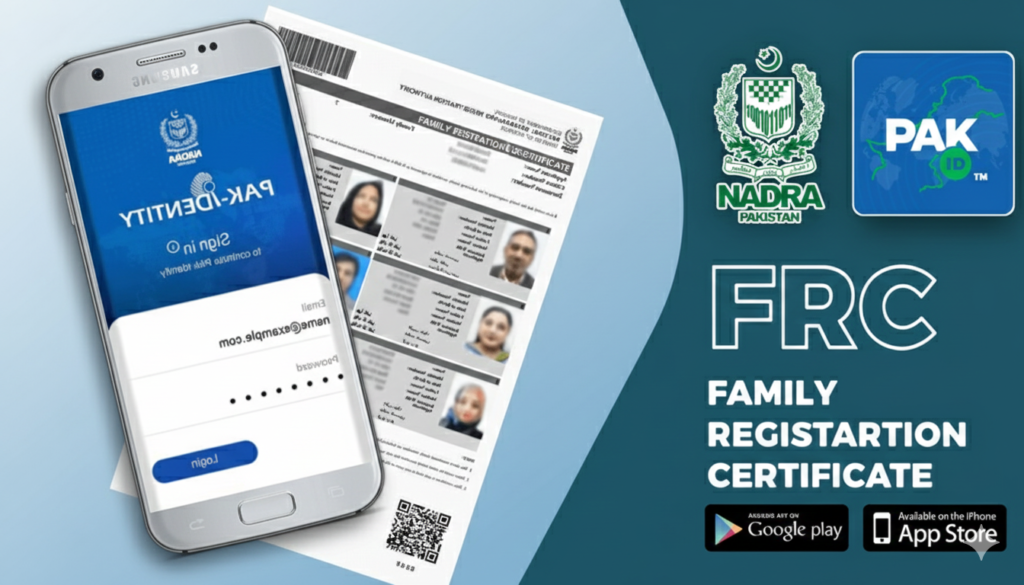
The Family Registration Certificate (FRC) is one of the most essential documents for Pakistani citizens. Whether you are applying for a visa, opening a bank account, or dealing with legal property matters, the FRC serves as the primary proof of yourtion.
In the past, getting an FRC meant standing in long queues at NADRA offices. = can now apply for this document from the comfort of your home using your smartphone. This article will walk you through the entire process in simple, easy-to-understand English.
What is an FRC?
Before we dive into the “how-to,” it is important to understand what an FRC is. Unlike a Birth Certificate or a CNIC, an FRC is a document that provides a proof of your family members as registered in the NADRA database.
There are three main categories of FRC:
- By Birth: Shows your details along with your parents and siblings.
- By Marriage: Shows your details along with your spouse and children.
- By Adoption: Shows details of the family with an adopted child.
Requirements to Apply For FRC
To ensure a smooth application process, make sure you have the following ready:
- A Smartphone: With a working camera (for biometric and document scanning).
- The PAK ID App:mbers of all family members you wish to include.
- Payment Method: A Credit or Debit card (Visa/Mastercard) for the processing fee.
- Email Address: A valid email to receive your digital FRC.
Process to Apply for FRC
Step 1: Download and Register
First, download the PAK ID app. If you don’t have an account, you will need to register.
- Open the app and click on “Register.”
- Enter your basic details: Name, Email, and Mobile Number.
- You will receive an OTP (One-Time Password) via email and SMS. Enter these to verify your account.
- Set a strong password and log in.
Step 2: Start a New Application
Once you are logged into the dashboard:
- Click on the “Apply Now” button.
- Select the category “Issuance of Documents (CNIC, NICOP, FRC).”
- Under document type, select “Family Registration Certificate (FRC).”
Step 3: Choose FRC Category
The app will ask which type of FRC you need.