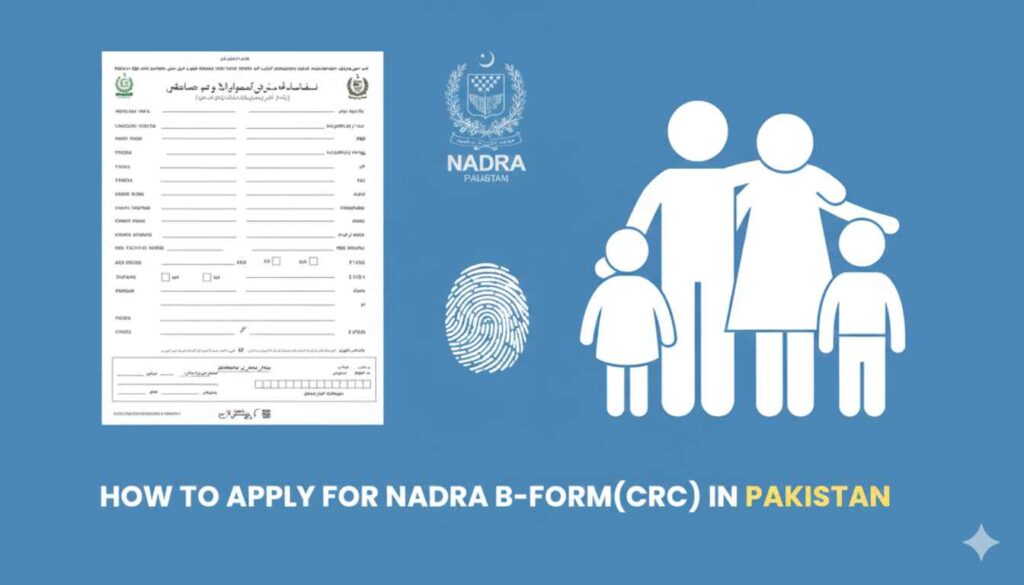
The Child Registration Certificate (CRC), commonly known as the B-Form, is the most important document for any Pakistani citizen under the age of 18. It serves as proof of identity and is must for school admissions, getting a passport, or opening a minor’s bank account.
With the digitalization of NADRA (National Database and Registration Authority), many processes that used to take hours in long queues can now be started or tracked online.
What is NADRA B-Form
The B-Form is a birth registration document. Unlike a simple Birth Certificate issued by a Union Council, the B-Form is a federal document that links a child to their parents’ CNIC records in the national database.
Can You Download a B-Form PDF Online?
Many people search for a “B-Form download” link. It is important to clear up this misunderstanding:
- No Direct Download: You cannot download a final, official B-Form in PDF format to print yourself.
- Security Features: The original B-Form is printed on high-security paper with watermarks and holograms to prevent farud.
- What you Can do: You can download the Application Form or the Fingerprint Form during the online process, but the final certificate must be collected physically or received via courier.
How to Apply for a B-Form Online
If you want to avoid visiting a NADRA office, you can use the Pak-Identity portal. Here is the detailed procedure:
Step A: Create an Account
- Visit the Pak ID APP.
- Register using your email and mobile number.
- You will receive an OTP (One-Time Password) to verify your account.
Step B: Start the Application
- Log in and click on “Apply Now.”
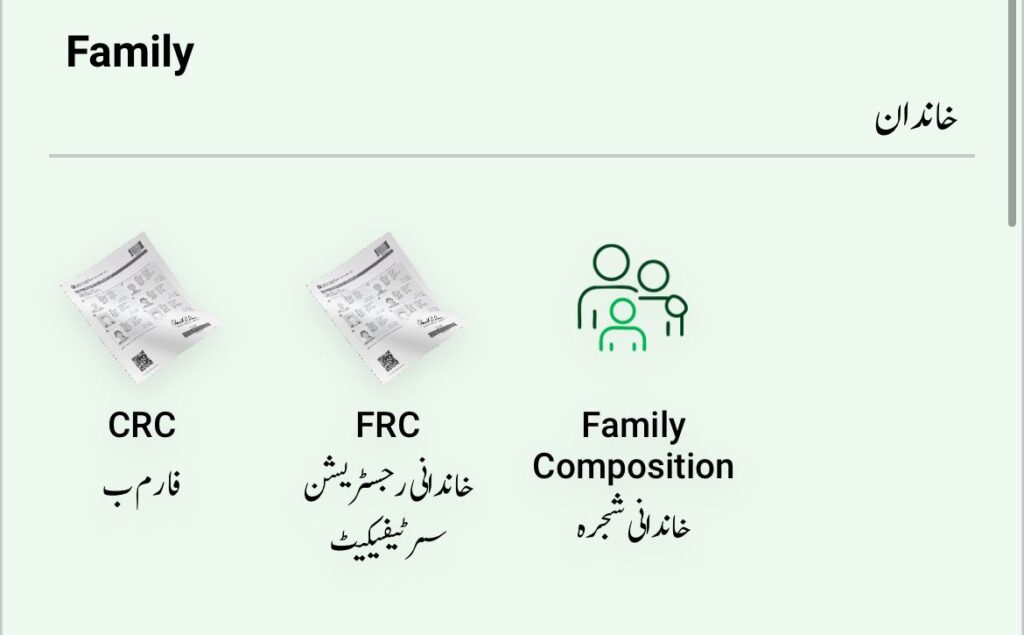
- Select “Identity Document” and then choose “Child Registration Certificate (CRC).”
- Provide the child’s details exactly as they appear on the Union Council birth certificate.
Step C: Upload Documents and Biometrics
- Birth Certificate: Upload a scanned copy of the birth certificate issued by the Union Council.
- Fingerprints: The system will ask you to download a “Fingerprint Form.” Print it, put the father’s or mother’s thumbprints in the boxes, scan it, and upload it back.
- Photographs: Upload a passport-sized photo of the child with a white background.
Step D: Payment
- Pay the processing fee using a Credit Card or Debit Card. Once payment is successful, your application is submitted.
How to Check B-Form Status Online (By CNIC)
Once you have applied, you don’t need to visit the office to ask for updates. You can check the status using these methods:
Method 1: Using the Online Portal
- Log in to your Pak-Identity account.
- Click on “Application History.”
- The system will show if your application is “Submitted,” “In-Process,” “Approved,” or “Rejected.”
Method 2: Check via SMS (Easiest Method)
NADRA provides a short-code service to check status instantly:
- Open the SMS app on your registered mobile phone.
- Type the 13-digit CNIC of the applicant (parent) or the Application Tracking ID.
- Send it to 8400.
- You will receive a message with the current status of the B-Form.
How to Get a Duplicate B-Form
If you have lost your B-Form or it was damaged, you can apply for a duplicate:
- Log in to the Pak-Identity portal.
- Select the “Reprint” option.
- Provide the child’s identity number (found on the old B-Form or parent’s family tree).
- Pay the duplicate fee, and the new B-Form will be sent to your registered address.
Read More: https://dlimsportal.com/how-to-renew-id-card-through-pak-id-mobile-app/
Important Requirements and Fees
To make sure your application is not rejected, keep these things in mind:
- Valid CNICs: Both parents must have valid (not expired) NADRA CNICs.
- Correct Data: The child’s name spelling must match the Union Council record.
- Processing Time:
- Normal: 10 to 15 working days.
- Executive: 5 to 7 working days.
Using the “Pak Identity” Mobile App
For a better experience, NADRA has launched the Pak Identity Mobile App.
- It allows you to scan documents directly from your phone camera.
- It has a built-in tool to capture fingerprints using your phone’s camera, which is much easier than printing and scanning the paper form.
While you cannot download a “ready-to-use” B-Form PDF, the online system allows you to handle everything from registration to tracking. If you prefer a face-to-face interaction, you can always visit a NADRA Mega Center where the process is usually completed in a single visit.