The PAK ID App, launched by NADRA, provides a secure and convenient way to manage your digital identity and access crucial identity document services. Creating and verifying your account is the essential first step, ensuring your digital profile is securely linked to your official NADRA records. Here is a step-by-step guide to registering and onboarding your account on the Pak ID App:
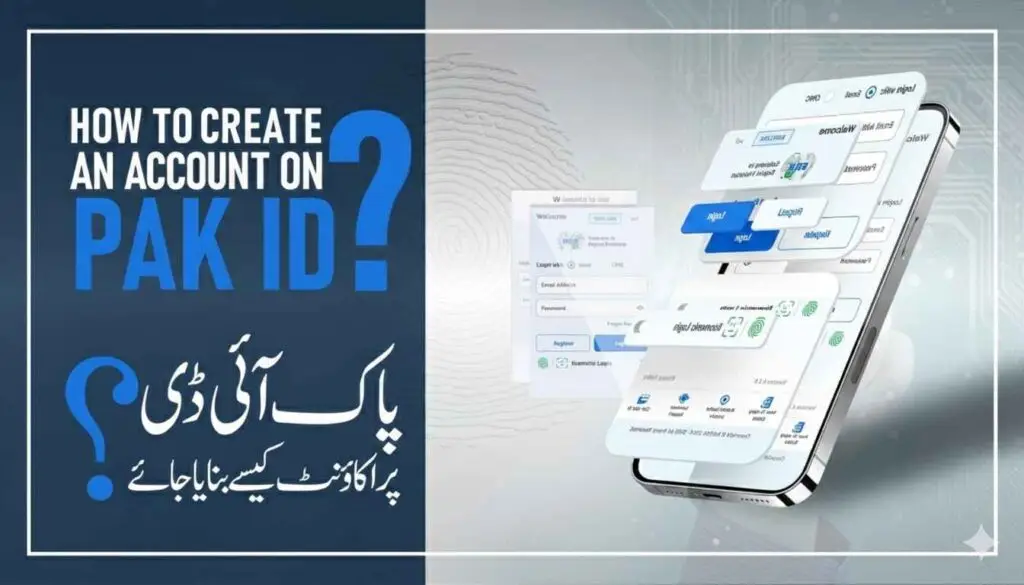
Step 1: Download and Initial Registration of PAK ID App
- Download the Application: Search for the officiaeate an Account (or similar prompt).
- Provide Identity Proof: Enter your Date of Birth or the Issuance Date of your CNIC, as a secondary identity verification measure.
Step 2: Verification via OTP (One-Time Password)
To ensure the provided contact details belong to you, the app uses a standard OTP verification process:
- Email Verification: An OTP will be sent immediately to the email address you registered. Check your inbox and spam/junk folder, and enter the code into the app.
- Mobile Verification: A separate OTP will be sent via SMS to your registered mobile number. Enter this code into the designated field.
- Basic Account Completion: Once both the email and mobile number are successfully verified using the OTPs, your basic account registration is finalized. You can now log in using your email and password.
Step 3: Biometric Identity Verification (Onboarding Digital ID)
This is the most critical security step, linking your mobile account to your physical identity records stored with NADRA. This process creates your secure Digital ID.
- Log In and Start Verification: Log in to the app. The system will prompt you to proceed with your identity verification/onboarding.
- Final Verification and Onboarding:
- The app submits your captured photo and fingerprints to NADRA’s central system for cross-matching with your existing CNIC data.
- Upon successful match and verification, your account is fully authenticated.
Final Step: Accessing Your Digital ID
Once verification is complete, your account is fully onboarded.
- Your verifiable Digital ID is securely generated and stored within the application, typically found in the Pak ID Vault section.
- You can now use your Pak ID login for Single Sign-On (SSO) to access various government and private sector services, apply for new identity documents (like FRC, CRC, and renewal of CNIC/NICOP), and manage your personal data securely.
You are now ready to utilize the full range of digital identity services offered by the Pak ID App!
Read More: What Is PAK ID App?