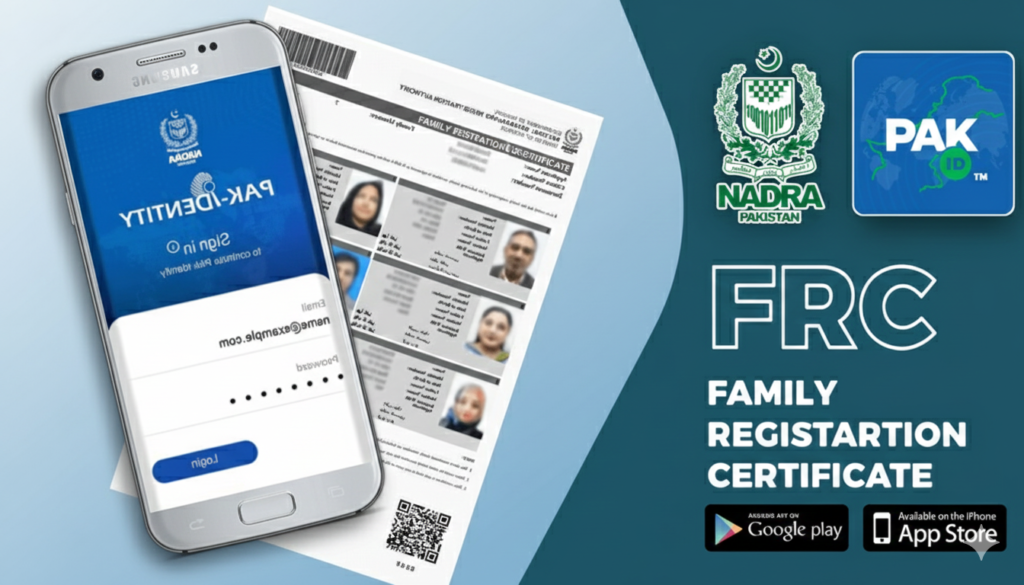
The Family Registration Certificate (FRC) is one of the most essential documents for Pakistani citizens. Whether you are applying for a visa, opening a bank account, or dealing with legal property matters, the FRC serves as the primary proof of your family composition.
In the past, getting an FRC meant standing in long queues at NADRA offices. However, thanks to the PAK ID App, you can now apply for this document from the comfort of your home using your smartphone. This article will walk you through the entire process in simple, easy-to-understand English.
What is an FRC?
Before we dive into the “how-to,” it is important to understand what an FRC is. Unlike a Birth Certificate or a CNIC, an FRC is a document that provides a proof of your family members as registered in the NADRA database.
There are three main categories of FRC:
- By Birth: Shows your details along with your parents and siblings.
- By Marriage: Shows your details along with your spouse and children.
- By Adoption: Shows details of the family with an adopted child.
Requirements to Apply For FRC
To ensure a smooth application process, make sure you have the following ready:
- A Smartphone: With a working camera (for biometric and document scanning).
- The PAK ID App: Downloaded from the Google Play Store or Apple App Store.
- Stable Internet: To upload photos and data.
- CNIC Numbers: You will need the CNIC/NICOP numbers of all family members you wish to include.
- Payment Method: A Credit or Debit card (Visa/Mastercard) for the processing fee.
- Email Address: A valid email to receive your digital FRC.
Process to Apply for FRC
Step 1: Download and Register
First, download the PAK ID app. If you don’t have an account, you will need to register.
- Open the app and click on “Register.”
- Enter your basic details: Name, Email, and Mobile Number.
- You will receive an OTP (One-Time Password) via email and SMS. Enter these to verify your account.
- Set a strong password and log in.
Step 2: Start a New Application
Once you are logged into the dashboard:
- Click on the “Apply Now” button.
- Select the category “Issuance of Documents (CNIC, NICOP, FRC).”
- Under document type, select “Family Registration Certificate (FRC).”
Step 3: Choose FRC Category
The app will ask which type of FRC you need.
- Select “By Birth” if you want to be listed with your parents/siblings.
- Select “By Marriage” if you want to be listed with your wife/husband and children.
Step 4: Adding Family Members
This is the most crucial part. You will see a search bar where you need to enter the CNIC numbers of your family members one by one.
- Enter a CNIC number and click “Add.”
- The system will fetch the data from the NADRA database.
- Once all members are added, click “Verify Family.”
- Important: If the system says a member is missing, you may need to update their record at a physical NADRA office first, but usually, the app handles this smoothly if everyone has a valid CNIC.
Step 5: Capture Biometrics (Fingerprints)
The PAK ID app is unique because it uses your phone’s camera to scan fingerprints.
- The app will guide you on how to place your hand in front of the back camera.
- It usually asks for the four fingers of your right hand, then the left hand.
- Keep your hand steady in a well-lit area. The app will automatically capture the prints once they are in focus.
Step 6: Photograph and Documents
- Photograph: You need to take a fresh selfie or upload a photo with a plain white background. Ensure your face is clearly visible without glasses or a hat.
- Supporting Documents: For an FRC, usually, no extra documents are needed if everyone has a CNIC. However, if you are applying for “By Marriage” and your marriage isn’t registered in the system, you might need to upload a Nikahnama (Marriage Certificate).
Step 7: Fee Payment
The FRC fee (currently around PKR 1,000, though it may vary slightly) must be paid online.
- Enter your Card Number, Expiry Date, and the CVV code (the 3 digits on the back of the card).
- The payment is processed securely. Once successful, you will receive a confirmation message.
Step 8: Final Review and Submission
Review all the entered data one last time. Check the spelling of names and the CNIC numbers. Once satisfied, click “Submit.”
How Long Does it Take?
One of the best things about the PAK ID App is the speed. Since you are applying for a digital version:
- Processing Time: It usually takes 24 to 48 hours.
- Delivery: You will receive a high-quality PDF version of your FRC on your registered email address. You can print this out, and it is legally valid everywhere.
Common Mistakes to Avoid
- Poor Lighting for Biometrics: If the room is dark, the app will fail to scan your fingerprints. Use natural daylight or a bright lamp.
- Incorrect Category: If you select “By Birth” but wanted to include your children, you will have to pay the fee again for a new application.
- Unregistered Marriage: If your wife’s CNIC hasn’t been updated with your name (as husband), the app might not find her in your family tree automatically.
Why Use the App Instead of the Office?
- No Queues: Save hours of waiting time.
- 24/7 Availability: Apply at midnight or on a Sunday.
- Cost-Effective: You save on travel costs and the mental stress of city traffic.
Instant Digital Copy of FRC:
You get a PDF that you can save on your phone forever.
Troubleshooting Tips
- App Crashing: If the app closes unexpectedly, clear the app cache from your phone settings or restart your phone.
- Verification Failed: If your family verification fails, ensure that all members have valid, non-expired CNICs.
- Fingerprint Issues: If the camera isn’t picking up prints, try cleaning your camera lens with a soft cloth.
The PAK ID App is a revolutionary step toward a “Digital Pakistan.” Obtaining an FRC is no longer a day-long struggle. By following the steps mentioned above, you can secure your official family record in just a few minutes of tapping on your screen.
Read More: https://dlimsportal.com/how-to-renew-id-card-through-pak-id-mobile-app/